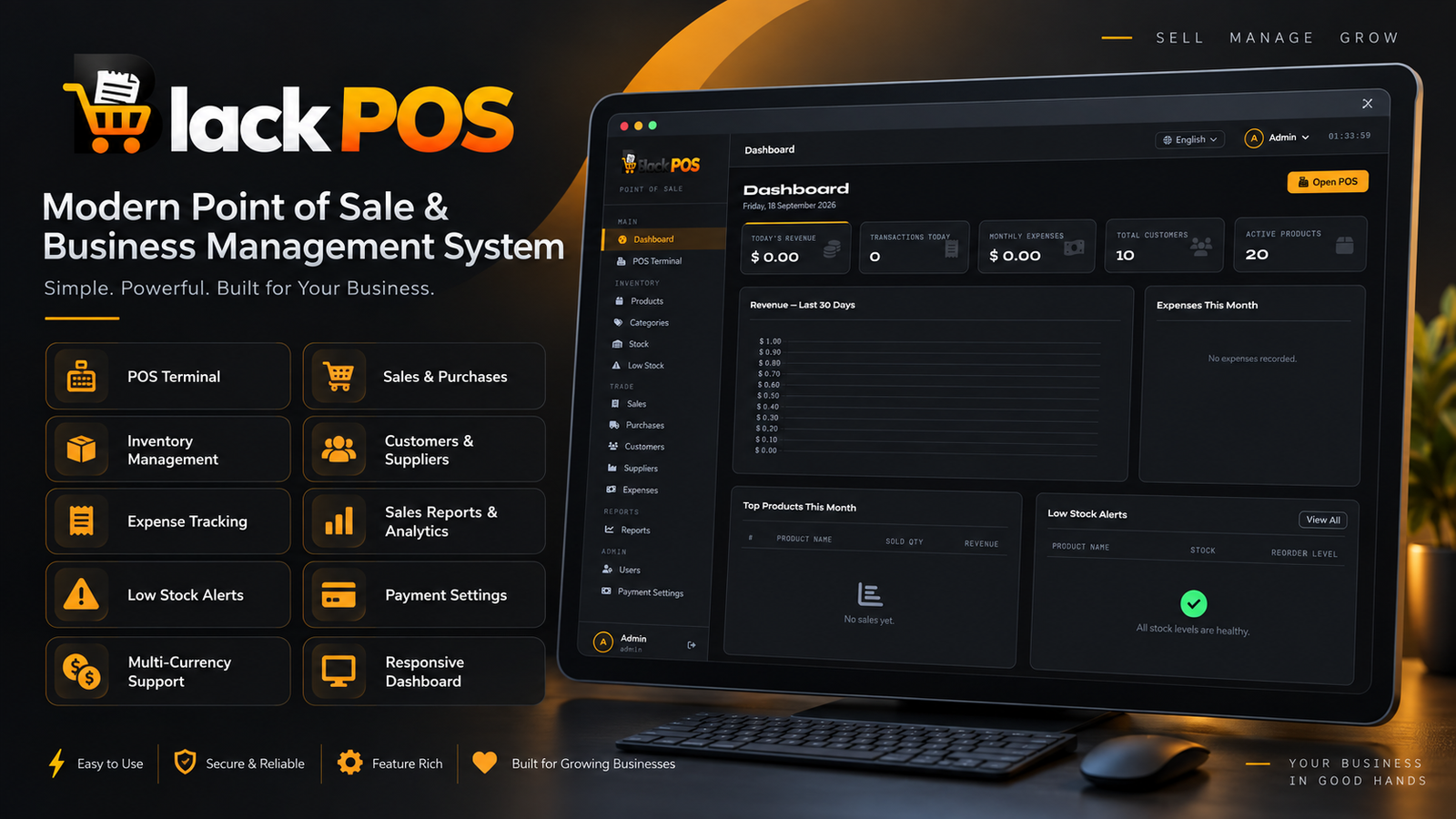
Black POS is a modern, powerful, and user-friendly Point of Sale (POS) and Business Management System designed to help businesses manage sales, inventory, customers, suppliers, expenses, and payment records from one centralized dashboard.
With its elegant dark-themed interface, responsive dashboard, and organized management tools, Black POS helps simplify daily business operations and improve productivity.
Live Demo:
https://blackpos.codepeopleindia.com/login
Username: admin@gmail.com
Password: 123456
Take control of your business with Black POS, a complete point-of-sale and business management solution designed for retail stores, shops, supermarkets, and growing businesses.
Black POS provides an intuitive dashboard where administrators can monitor revenue, transactions, expenses, customers, products, and stock levels. The system combines sales management, inventory tracking, expense monitoring, and reporting tools in one easy-to-use platform.
Its modern interface and structured navigation make everyday business management simpler and more efficient.
Fast and convenient point-of-sale interface
Process customer sales and transactions
Support for multiple payment methods
Invoice and sales management
Walk-in customer support
Add, edit, and manage products
Product categories management
Track stock quantities
Low-stock alerts
Reorder level monitoring
Product selling price and cost management
Record and manage sales
View detailed sales transactions
Track revenue and order values
Sales history with invoice details
Monitor discounts and taxes
Manage completed and pending transactions
Record product purchases
Manage suppliers
Track purchase totals
Monitor purchase records
Maintain supplier information
Add and manage customers
Store customer contact information
Track customer purchase history
Manage credit limits
Monitor outstanding customer balances
Add and manage suppliers
View supplier information
Track supplier purchase history
Monitor purchase amounts
Maintain supplier contact details
Record business expenses
Organize expenses by category
Filter expenses by date
Track total expenses for a selected period
View expense details and records
Sales reports
Revenue overview
Daily revenue trends
Payment method breakdown
Top-selling products
Transaction details
Date-based report filtering
Export reports to CSV and Excel
Print report functionality
Multiple payment methods
Cash payment tracking
Card payment tracking
Bank transfer records
Credit payment tracking
Payment method reporting
Configurable currency display
Centralized administration dashboard
Revenue and transaction overview
Monthly expense summary
Total customer statistics
Active product statistics
Low-stock alerts
User management
Payment settings
Professional dark-themed design
Clean and organized dashboard
Responsive layout
Easy-to-use navigation
Modern cards and data tables
Visual charts and reporting sections
Suitable for desktop and business environments
The Black POS dashboard provides quick access to important business information, including:
Today's revenue
Today's transactions
Monthly expenses
Total customers
Active products
Revenue chart
Expenses overview
Top-selling products
Low-stock alerts
Black POS is suitable for:
Retail stores
Grocery shops
Supermarkets
General stores
Small and medium businesses
Product-based businesses
Local shops
Inventory-based businesses
✅ Manage daily sales from one platform
✅ Track inventory and stock levels
✅ Monitor business expenses
✅ Manage customers and suppliers
✅ Analyze sales performance
✅ Track payment methods
✅ Reduce manual record keeping
✅ Access important business statistics quickly
Feature | Availability |
|---|---|
POS Terminal | Included |
Product Management | Included |
Inventory Management | Included |
Sales Management | Included |
Purchase Management | Included |
Customer Management | Included |
Supplier Management | Included |
Expense Management | Included |
Sales Reports | Included |
Payment Settings | Included |
Low Stock Alerts | Included |
Admin Dashboard | Included |
CSV / Excel Export | Included |
Responsive Interface | Included |
Actual deployment requirements, supported technologies, and installation details should be specified according to the delivered source code.