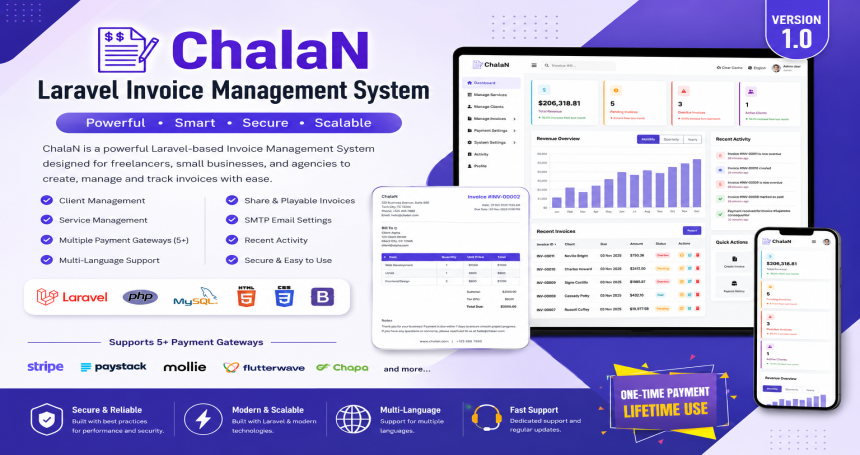
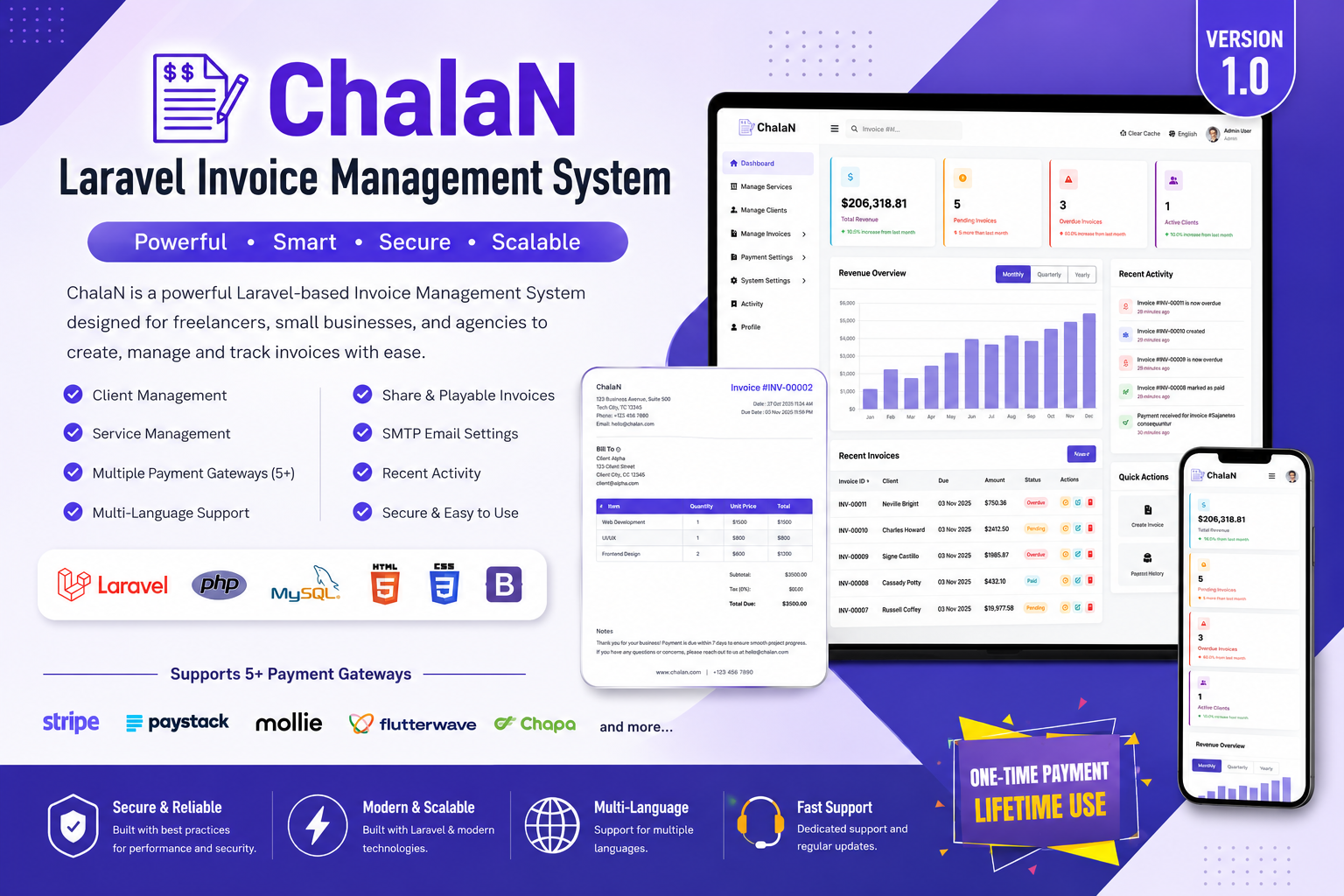
ChalaN is a powerful, modern, and user-friendly Invoice & Billing Management System built with the latest Laravel Framework. It helps you easily manage clients, invoices, services, and payments — all from a clean and intuitive admin dashboard.
Demo Information:
Experience the system before you buy!
Email: admin@example.com
Password: 12345678
Ideal For
Freelancers & Digital Agencies
Small and Medium Businesses
Accounting & Finance Firms
Developers looking to integrate invoicing modules
What’s Included
Full Laravel Source Code (Well Structured & Commented)
SQL Database File
Complete Documentation (Installer + User + Developer Guides)
Lifetime Free Updates
Technical Stack
Backend: Laravel 12.x (MVC Architecture)
Frontend: Blade Templates, Bootstrap 5, jQuery
Database: MySQL
Charts: Chart.js
Email Service: Laravel Mail (SMTP)
Language System: Custom Database-Based Phrase Helper
Documentation
Installer Guide – Setup process and system requirements
User Guide – How to manage clients, invoices, and payments
Developer Guide – MVC structure, file locations, and customization details
Help & Support
We provide free support for 6 months from the date of purchase through CodeCanyon. Our team can also help you with custom features, installation assistance, and payment gateway integration.
Email: codepeopleindia@gmail.com
Website: https://codepeopleindia.com
Features
Invoice & Quotation Management – Create, send, and track invoices with tax and discount options.
Client Management – Add, update, and monitor client information and payment history.
Payment Tracking – Record, review, and manage all incoming payments.
Multi-Currency Support – Handle clients and invoices in multiple currencies.
PDF Invoices – Generate and download professional PDF invoices instantly.
Multi-Language System – Manage translations directly from the admin panel using a DB-based helper.
Payment Gateways – Configure and manage multiple payment gateway options.
Built-in Installer – Simple setup process with automatic database and admin configuration.
Modern Admin Panel – Responsive interface built with Bootstrap 5 and Blade Templates.
Requirements
PHP: 8.4+
Extensions: BCMath, Ctype, Fileinfo, JSON, Mbstring, OpenSSL, PDO, Tokenizer, XML
Database: MySQL
Server: Apache / Nginx
Composer: Yes
Instructions
Upload all project files to your web server or localhost.
Create a new MySQL database.
Visit your project URL in the browser.
The built-in installer will run automatically.
Follow the on-screen steps to:
Verify server requirements
Configure database
Set admin credentials
Complete installation
Log in to the Admin Panel with the credentials you created.
Default Routes
Admin Dashboard: https://yourdomain.com/admin/dashboard
Installer: https://yourdomain.com/installer/index
Documentation
Full documentation is included inside the documentation/ folder:
Installer Guide
User Guide
Developer Guide
For quick setup, ensure your server meets the requirements (PHP ≥ 8.4, Composer, MySQL/MariaDB, required PHP extensions).
Need help? Check the guides in the documentation/ folder or contact support.